PricePup MCP Server
Compare grocery prices and manage saved lists from your AI tools.
Introduction
Model Context Protocol (MCP) is an open standard that allows AI clients such as Cursor, Codex, Claude and Antigravity to securely access external tools and data. Instead of relying only on their existing knowledge, connected clients can retrieve current information directly from PricePup when you ask a question.





With PricePup MCP, you can use natural-language prompts to explore catalogue coverage, compare current retailer prices, find deals and review recent price movements across grocery products.
Watch the short overview to see how PricePup connects its comparison data to supported AI tools.
How to connect
Choose your AI client and follow the steps to connect it to PricePup securely.
1. Run the following code in your terminal
Copy the command below and run it once. This adds PricePup for all your Claude Code projects.
claude mcp add --transport http --scope user pricepup https://pricepup.io/api/mcp2. Authenticate
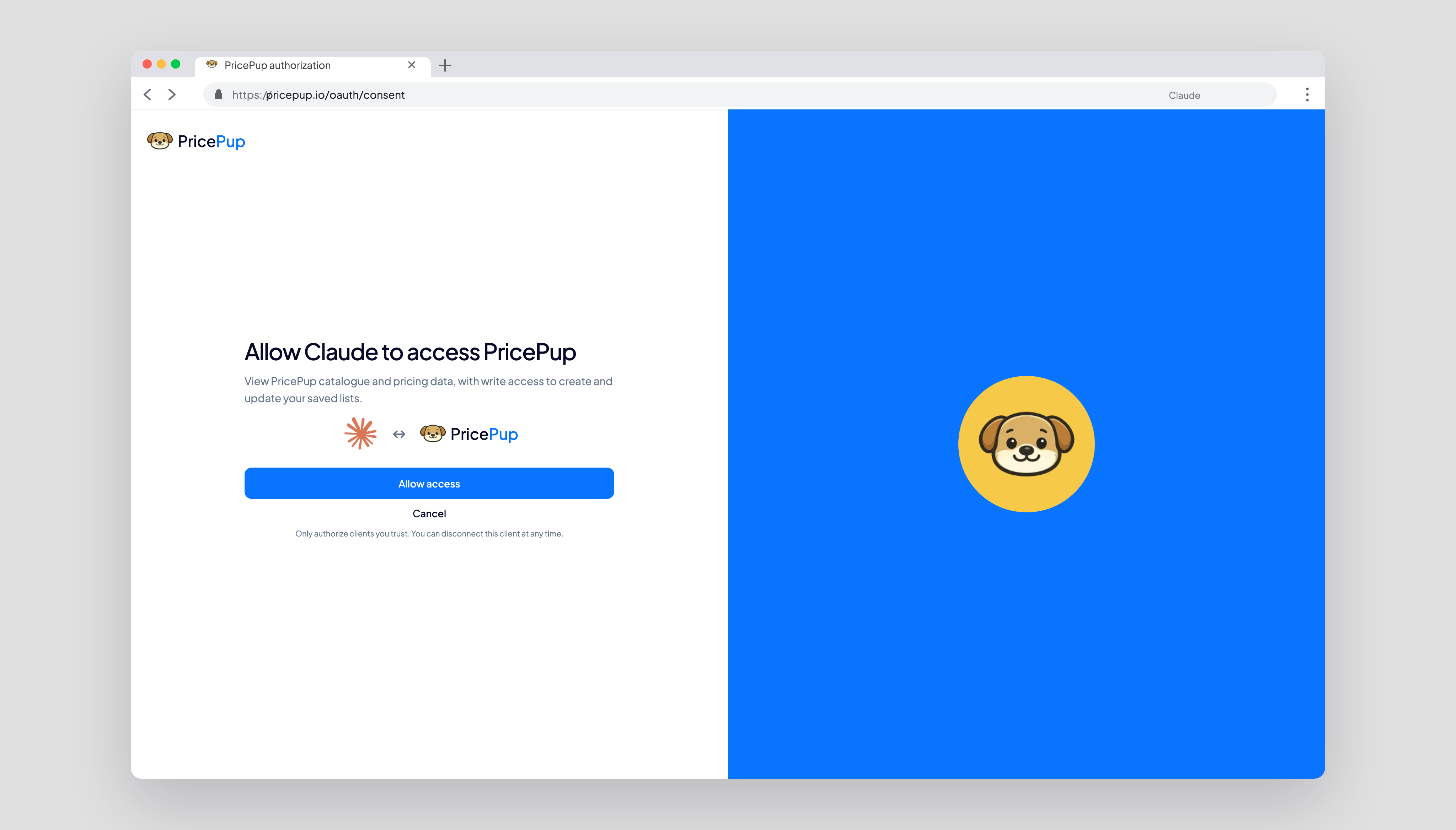
In Claude Code, enter /mcp, choose PricePup, then complete the secure browser sign-in.
3. Test
Try one of these prompts in Claude to check the PricePup connection and its core tools:
- “Use pricepup_get_catalog and tell me which retailers and grocery categories are available.”
- “Use pricepup_get_catalog to find a similar-product group, then show me its current approved products and retailer prices with pricepup_get_comparison_group.”
- “Use pricepup_find_products to find the five cheapest pasta products and show me the current retailer prices.”
- “Find five grocery multi-buy offers with the largest savings and explain each threshold.”
- “Search for coffee sold by at least two retailers, then compare the current prices.”
- “Find a coffee product, then show me its price history for the last 30 days.”
- “Compare a basket of three products and show totals, savings and unavailable items by retailer.”
Your AI client will tell you whether PricePup responded successfully or the connection needs attention.
1. Run the following code in your terminal
Copy and run the commands below in order to add PricePup and begin sign-in.
codex mcp add pricepup --url https://pricepup.io/api/mcp --oauth-resource https://pricepup.io/api/mcp codex mcp login pricepup --scopes openid,email,profile2. Authenticate
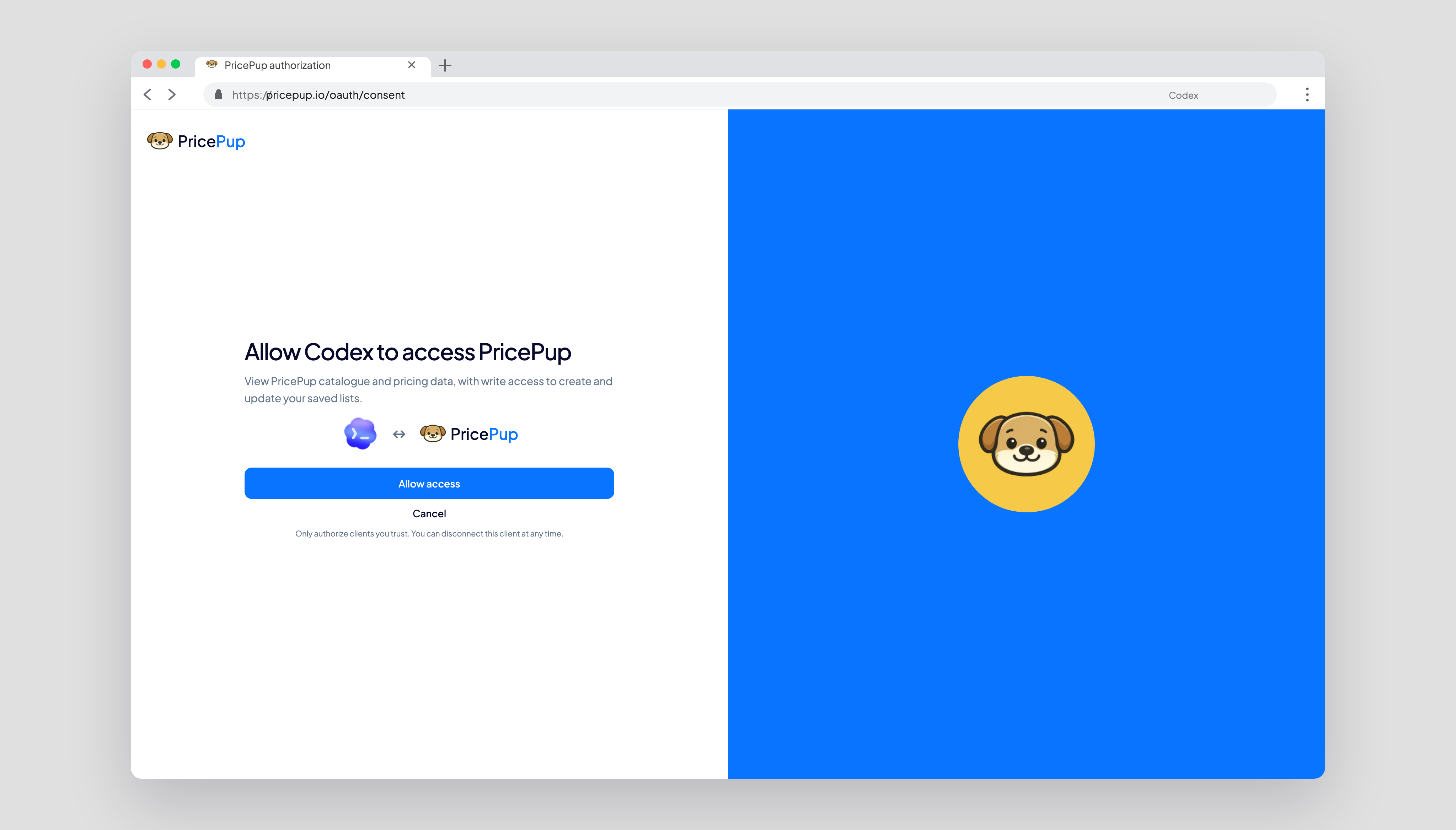
Approve the PricePup connection in the browser window opened by Codex, then return to your terminal.
3. Test
Try one of these prompts in Codex to check the PricePup connection and its core tools:
- “Use pricepup_get_catalog and tell me which retailers and grocery categories are available.”
- “Use pricepup_get_catalog to find a similar-product group, then show me its current approved products and retailer prices with pricepup_get_comparison_group.”
- “Use pricepup_find_products to find the five cheapest pasta products and show me the current retailer prices.”
- “Find five grocery multi-buy offers with the largest savings and explain each threshold.”
- “Search for coffee sold by at least two retailers, then compare the current prices.”
- “Find a coffee product, then show me its price history for the last 30 days.”
- “Compare a basket of three products and show totals, savings and unavailable items by retailer.”
Your AI client will tell you whether PricePup responded successfully or the connection needs attention.
1. Add the following MCP configuration
Paste this into ~/.gemini/config/mcp_config.json for all workspaces, or .agents/mcp_config.json for one workspace.
{ "mcpServers": { "pricepup": { "serverUrl": "https://pricepup.io/api/mcp" } } }2. Authenticate
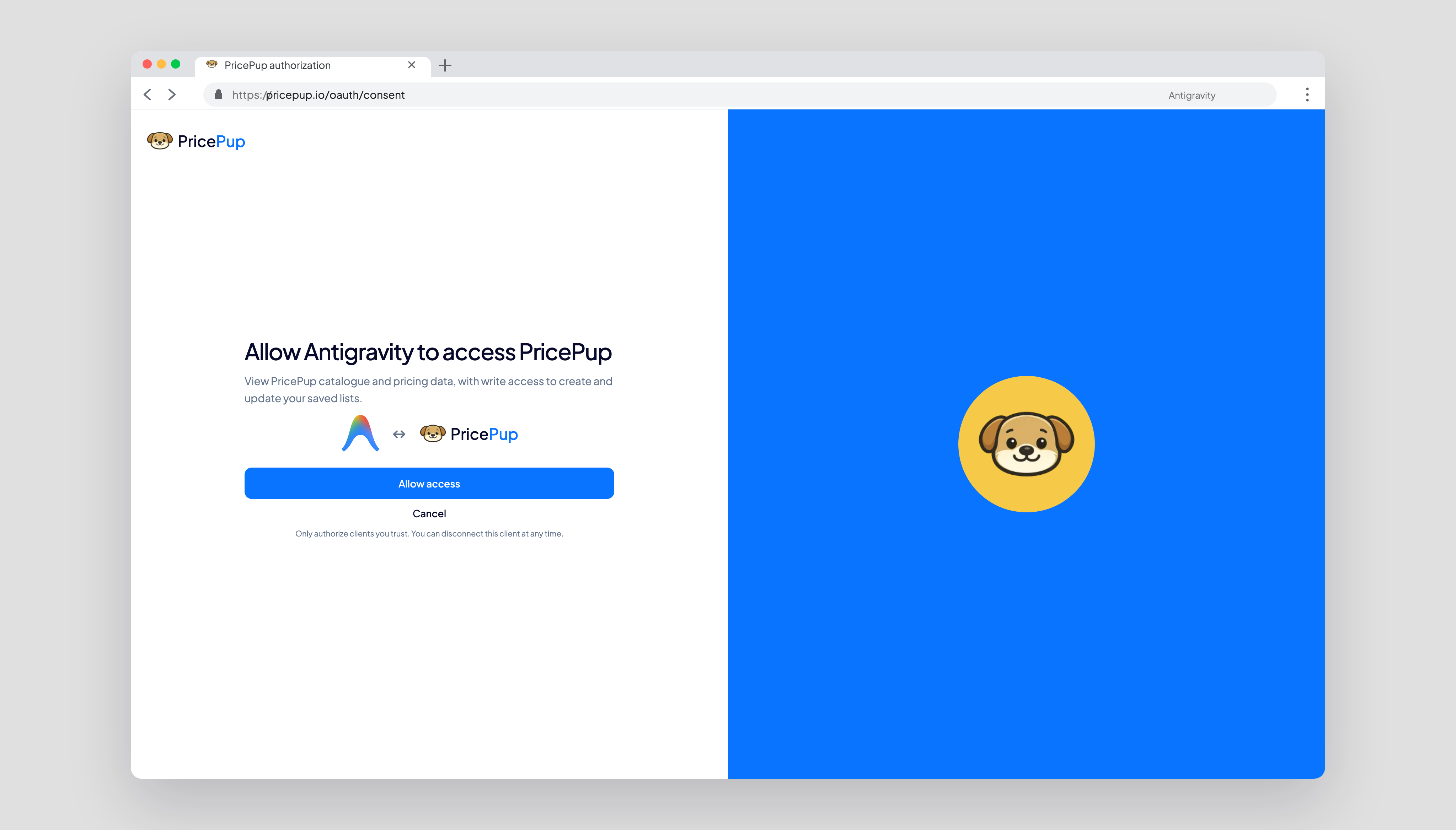
Open Agent Settings → Customizations, choose PricePup, then Authenticate and approve access in your browser.
3. Test
Try one of these prompts in Antigravity to check the PricePup connection and its core tools:
- “Use pricepup_get_catalog and tell me which retailers and grocery categories are available.”
- “Use pricepup_get_catalog to find a similar-product group, then show me its current approved products and retailer prices with pricepup_get_comparison_group.”
- “Use pricepup_find_products to find the five cheapest pasta products and show me the current retailer prices.”
- “Find five grocery multi-buy offers with the largest savings and explain each threshold.”
- “Search for coffee sold by at least two retailers, then compare the current prices.”
- “Find a coffee product, then show me its price history for the last 30 days.”
- “Compare a basket of three products and show totals, savings and unavailable items by retailer.”
Your AI client will tell you whether PricePup responded successfully or the connection needs attention.
1. Add the following MCP configuration
Paste this into ~/.cursor/mcp.json for every project, or .cursor/mcp.json for one project.
{ "mcpServers": { "pricepup": { "url": "https://pricepup.io/api/mcp" } } }2. Authenticate
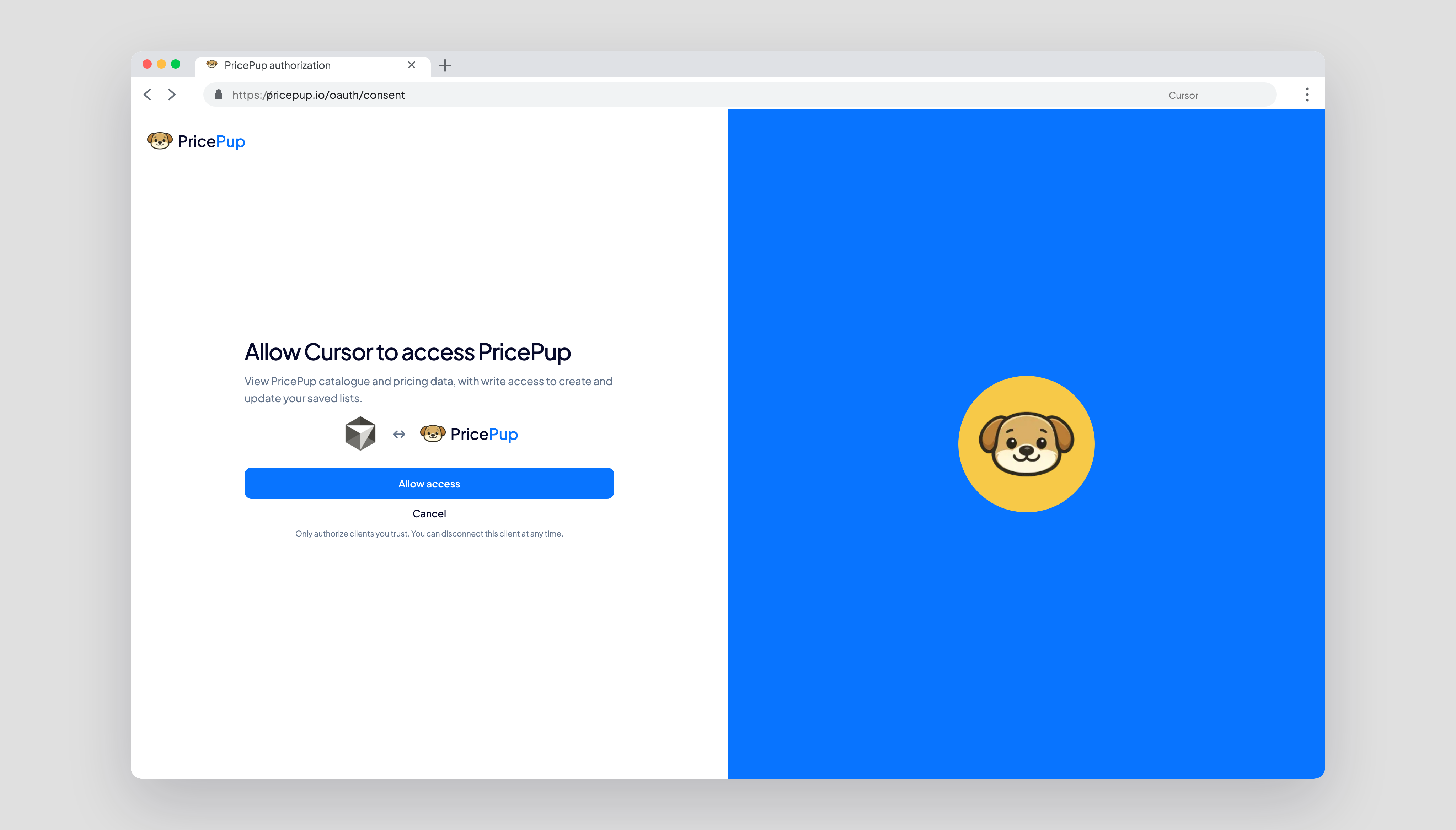
Open Cursor Settings → Tools & MCP, reload PricePup, then choose Needs authentication and approve access.
3. Test
Try one of these prompts in Cursor to check the PricePup connection and its core tools:
- “Use pricepup_get_catalog and tell me which retailers and grocery categories are available.”
- “Use pricepup_get_catalog to find a similar-product group, then show me its current approved products and retailer prices with pricepup_get_comparison_group.”
- “Use pricepup_find_products to find the five cheapest pasta products and show me the current retailer prices.”
- “Find five grocery multi-buy offers with the largest savings and explain each threshold.”
- “Search for coffee sold by at least two retailers, then compare the current prices.”
- “Find a coffee product, then show me its price history for the last 30 days.”
- “Compare a basket of three products and show totals, savings and unavailable items by retailer.”
Your AI client will tell you whether PricePup responded successfully or the connection needs attention.
Tools
PricePup provides nine focused tools for product discovery, curated similar-product groups, promotion-aware basket comparison, price history, catalogue context, account usage and saved shopping lists.
Find products
pricepup_find_productsSearch, rank and filter Australian groceries by price, saving, retailer coverage and offer type, with cursor pagination and structured promotions.
Get price history
pricepup_get_price_historyReview daily price history for selected products across a period of up to 90 days.
Get catalogue metadata
pricepup_get_catalogGet the supported section, Australian market, retailers, categories, subcategories, freshness metadata and curated comparison-group summaries with stable slugs.
Get a comparison group
pricepup_get_comparison_groupUse a group slug from the catalogue to page through current approved member products, retailer prices and structured promotions. Returns 5 products by default and up to 20 per cursor page.
Compare a basket
pricepup_compare_basketCalculate retailer totals, unavailable products, savings and multi-buy thresholds for product IDs and quantities.
List shopping lists
pricepup_list_shopping_listsView saved shopping lists, their products and the number of remaining list slots.
Create a shopping list
pricepup_create_shopping_listCreate an account-bound shopping list from PricePup product IDs. Accounts can save up to five lists.
Edit a shopping list
pricepup_update_shopping_listRename a list, add products, change quantities or remove products from an existing list.
View account usage
pricepup_get_account_usageView the MCP access mode, plan, capability scopes, monthly credit state and reset timestamp.
Limits
These request and storage limits keep PricePup responses focused and predictable.
Monthly MCP credits
Each valid tool call except account usage uses one credit. Discovery, guidance resources and invalid requests are free. Credits reset at 00:00 UTC on the first day of each month.
1,000 per monthProduct discovery
Return up to 20 products per cursor page with current prices and structured offers.
20 per cursorComparison groups
Return current approved group members and retailer prices in cursor pages of 1 to 20 products.
5 by default · 20 maxBasket comparison
Compare up to 100 products and quantities with specials and multi-buy pricing applied.
100 productsPrice history
Request up to 24 products and 90 days, with a maximum of 2,000 price observations.
24 products · 90 daysSaved lists
Store up to five lists per account, with up to 100 products in each list.
5 lists · 100 each